Tags and companions
Categories are fixed; tags aren't. They're what makes your box yours.
Tags
A tag is just a word you hang on something: summer 2025, reread, on the road, gift from mum. You type them into the form, separated by commas, or add them on the item page itself.
Tags apply across your whole box, so the same tag can tie books, films, music and concerts together. If a tag already exists it gets reused rather than duplicated — capitals and spaces make no difference.
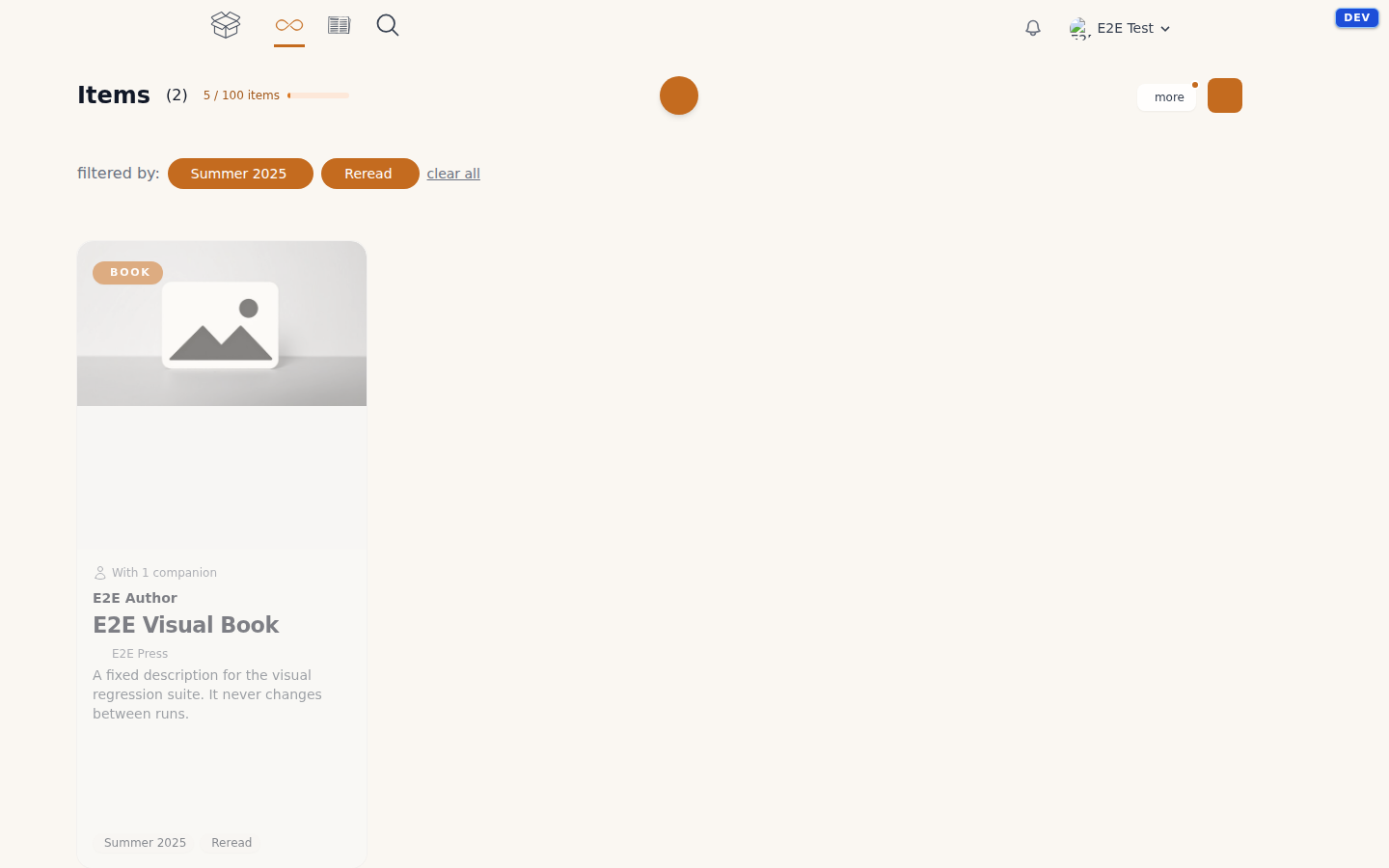
In your library you filter by tags, and you can switch on more than one at a time. The tags you use most sit at the top. And because the search bar covers them too, you can find a tag without going to the filter first.
Companions
A companion is someone you experienced something with — who did you attend this item with? You record them with a name, and if you like an email address and a photo. Per item you can add how you know them and a short note.
Companions work for every category, not just concerts: the book someone recommended, the film you watched together. The Companions page shows everyone you've added and which items they belong to. Delete someone there and they disappear from all your items — the items themselves stay.
Organisers
An organiser is whoever is behind an evening: a venue, a festival, a record label. You link one per item, and you create them from the item form or from the Organisers page. You can filter your library by organiser, so you see everything you experienced at the same venue in one go.
The field shows up for concerts and music; for books and films we leave it out.
An organiser that still has items attached can't be deleted — unlink those items first.